
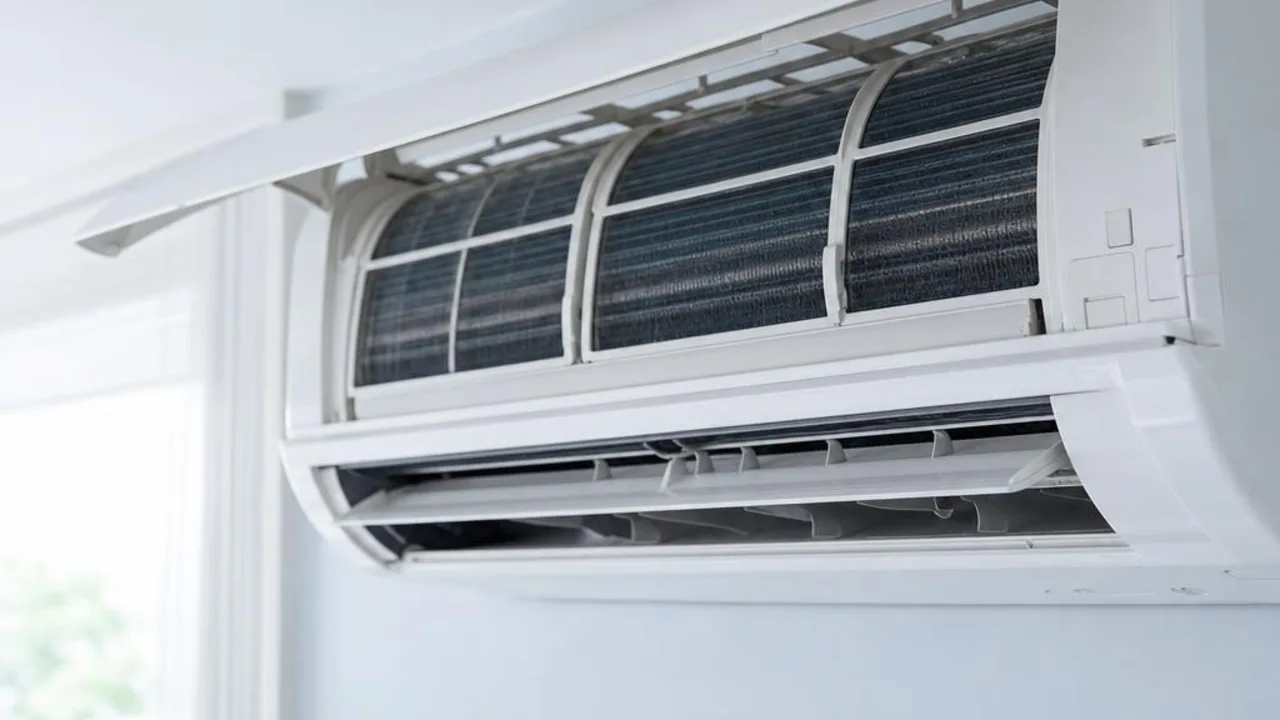
Clean the Fan | Routine Maintenance and Cleaning
Contents
A fan is a common household appliance. Whether you use a pedestal fan, table fan or ceiling fan, regular cleaning is very important.
Clean the Fan | Cleaning Procedure:
Switch off the power: Before cleaning the fan, make sure the fan has been switched off and unplugged.
Only the mesh cover permitted by the manual for that fan model may be removed according to the instructions, after stopping and disconnecting power as required by the manufacturer. Do not assume all front and rear covers can be easily removed; if there is a fixed casing, wiring, or unclear clips, do not dismantle it yourself.
Clean the fan blades: use a damp cloth or slightly damp sponge to clean the fan blades. For stubborn dirt, you may use a mild detergent.
Clean the fan cover and base: use a damp cloth or sponge to clean the fan cover and base.
Air-dry: after cleaning, let the fan air-dry naturally, or wipe it dry with a dry cloth.
Reassemble the fan: make sure all parts are dry, then reassemble the fan.
Clean the Fan | Benefits of Cleaning the Fan:
Improve performance: a clean fan can operate more efficiently and avoid extra dust burden on the motor.
Maintenance status: proper cleaning can prevent operating issues caused by dirt buildup.
Improve air quality: Dust and dirt can be blown into the air by the fan, affecting air quality. Regular fan cleaning can improve indoor air quality.
Energy saving: a clean fan runs more efficiently, so it can save energy.
Regular cleaning of fans can improve performance, save energy, help improve air quality and extend service life.
Related reading and services
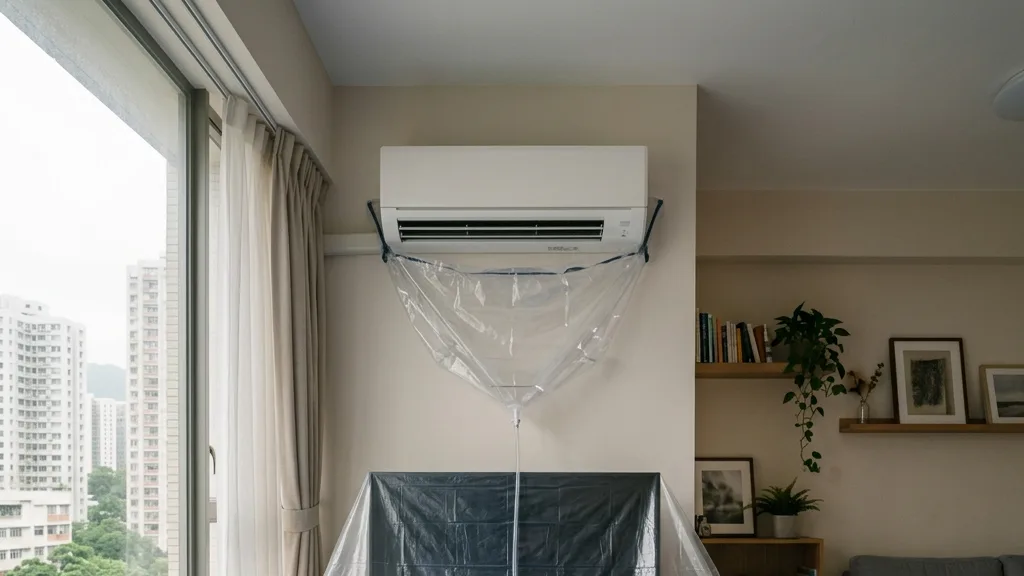
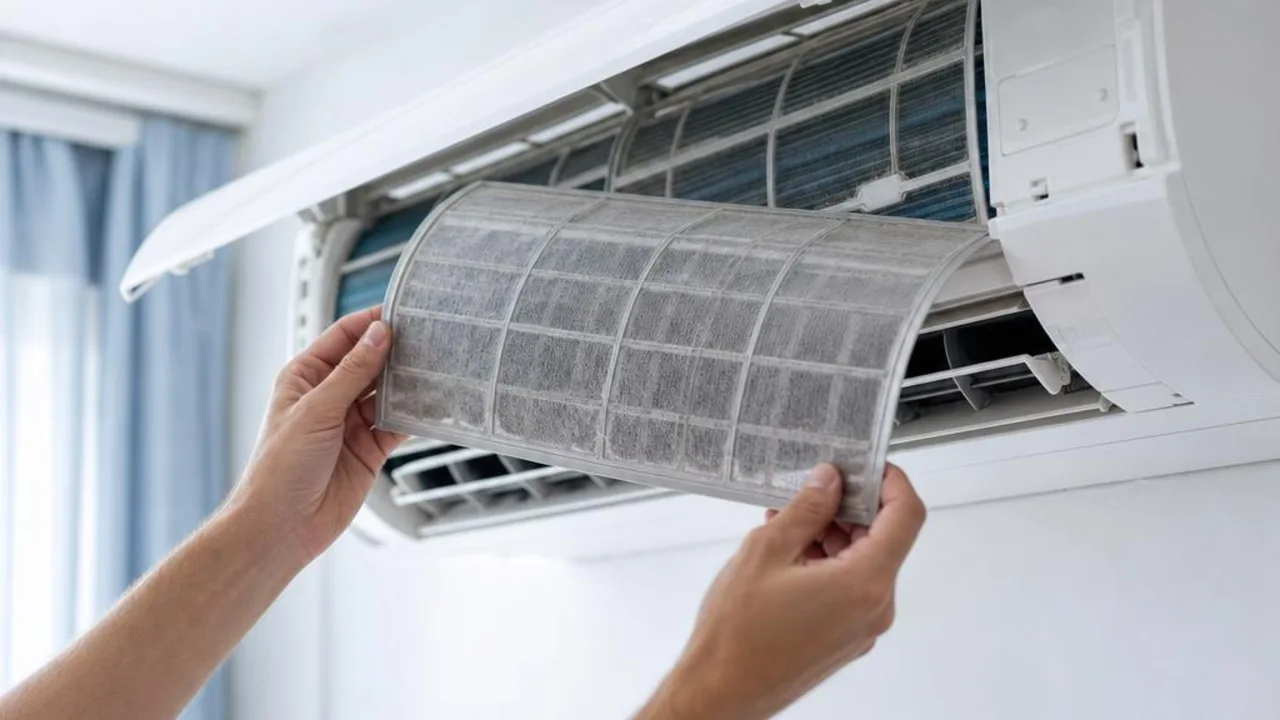
Want to arrange AC cleaning or maintenance?
OPOExpert Air Conditioning provides residential and commercial AC cleaning and maintenance with clear pricing. Enquiry first or book online directly