
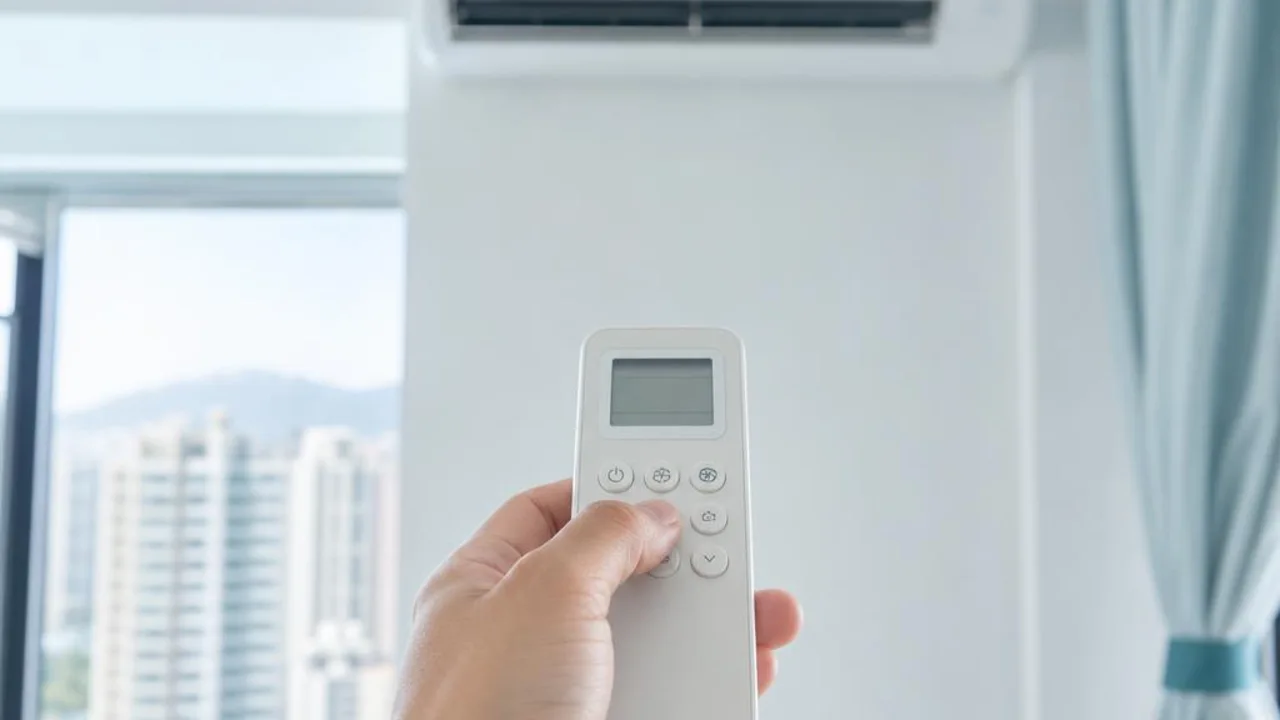
Remote pairing and automatic start: check the model and timer settings first
Contents
Not every AC remote needs pairing, and not every model has a pairing button. Original infrared remotes, universal remote codes, wireless controllers and Wi-Fi setup should each be handled according to the relevant model instructions.
First check whether the remote is compatible
Confirm the indoor unit and remote control model, battery direction and condition, and check from the normal operating position whether reception is blocked. A universal remote showing HEAT or other functions does not mean the main unit supports them.
Some infrared remotes use a specific code instead of mutual pairing; Wi-Fi involves a dedicated app and network setup. Do not follow generic long-press timings or enter engineering settings found online.
What should be recorded if the unit turns on without anyone pressing a button?
First check the timer start, weekly schedule, mobile app, automation and manufacturer power-restoration function. Control by other family members, management systems or compatible remotes may also affect it.
Record when it happened, whether there was a power outage, and the display settings. The method for cancelling must follow your own model's manual; you cannot conclude that the main unit is normal just by removing the remote control batteries.
Abnormalities outside the settings should be arranged for inspection
If, after checking the settings, it still switches on by itself, loses control, stops and starts frequently, or shows a fault light, you may provide the model, display screen, and any existing records for enquiry. This does not mean the sensor or control board has already been diagnosed.
If there is a burning smell, smoke, a tripped breaker, wet electrical parts, or an abnormal rubbing sound, stop using the equipment and do not keep restarting it, removing panels, or bypassing the receiver.
Pay attention to safety and privacy
Remote or network control settings should be handled by authorised personnel. Do not put Wi-Fi passwords or full addresses in public photos. For shared equipment, first confirm who is responsible for scheduling.
Repair quotations are based on the actual fault and confirmed parts; we do not guarantee that buying a universal remote can fix the main unit. For enquiries, just provide the equipment details; there is no need to send the Wi-Fi password.
Related reading and services
- Fault inspection, repair charges and service limits
- Air conditioning guide by symptom
- Current charge confirmation, payment, rescheduling and service terms
- Back to AC encyclopedia and continue reading
Reference sources and applicable scope
This article provides a preliminary guide only and does not replace an on-site diagnosis. Original manufacturer functions and operation apply only to the corresponding model; please refer to your own unit's manual. For fixed electrical installations, inspection should be arranged by a registered electrical contractor.
Need professional help?
Need to know about AC repair service? First check the service scope and arrangements, then provide the model and site details for enquiry