
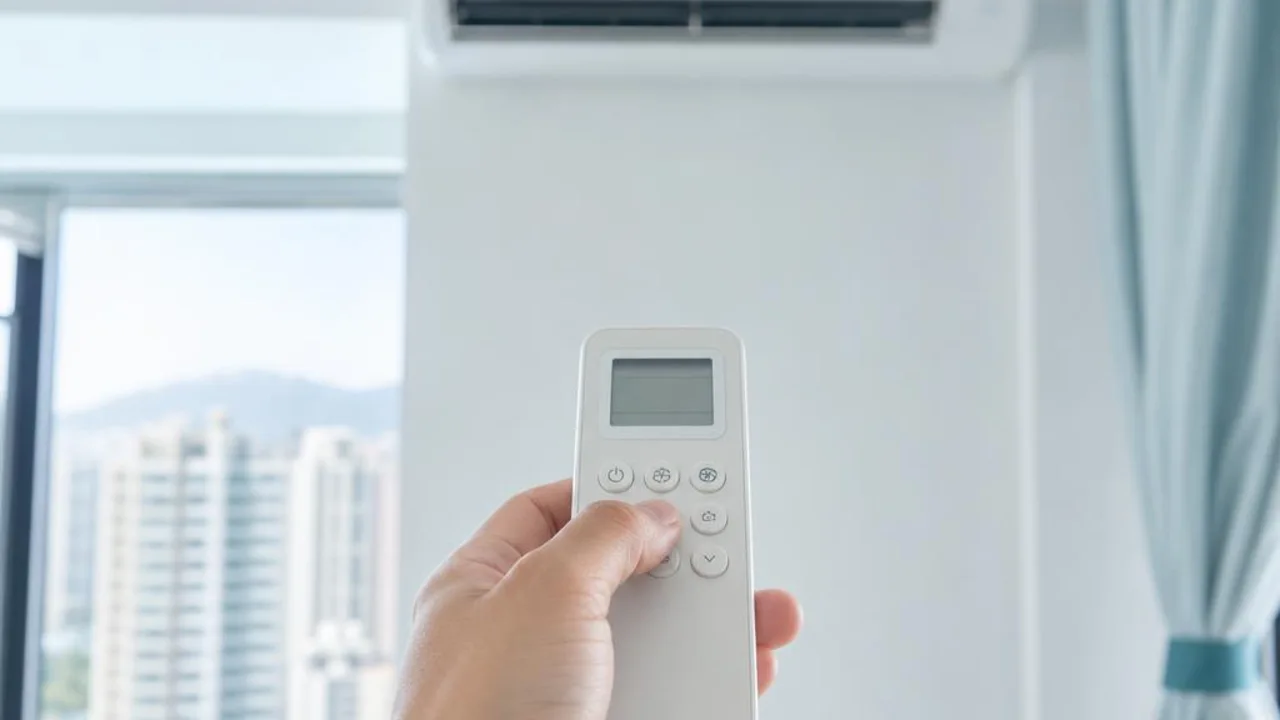
What is the difference between AC COOL, DRY, FAN and AUTO modes?
Contents
The mode names on the remote control may look familiar, but their functions are not the same. Choosing the wrong mode will affect temperature, airflow and comfort; first check the manual for your model, and distinguish between what is shown on the remote and whether the unit actually receives the command.
COOL and DRY: cooling target and dehumidification control
COOL usually provides cooling according to the set temperature, with the unit adjusting its operation as needed. DRY operates with dehumidification-related control; some models limit temperature or fan-speed adjustment, and not every model allows the user to set humidity manually.
DRY is not a button that guarantees stronger cooling or lower power use. The effect depends on room temperature, humidity and control settings. A hot room and a cool, humid room may not suit the same setting; you cannot apply the functions of one manual to all models.
FAN mainly circulates air; it does not mean cooling or fresh-air supply
The general FAN mode uses the fan to move air and does not provide cooling in COOL mode. If you feel air blowing but the room is not cool, first check whether it is set to fan mode instead of immediately assuming there is a refrigerant shortage.
General domestic indoor air blowing mainly circulates room air, so you cannot assume fresh air has been introduced just because FAN mode is on; models with a separate fresh-air function must be checked separately. Do not use fan mode instead of addressing the source of pollution or the required ventilation.
AUTO mode and automatic fan speed are two different settings
AUTO operating mode lets the unit choose or adjust operation according to the manufacturer's logic, and the exact behaviour varies by cooling/heating type and model. AUTO fan speed means the unit adjusts the airflow, and this can appear in other modes too; do not confuse the two.
If you want to know whether it is cooling now, check the mode icon and description, not just the AUTO label. Some cooling-only units do not have a heating function, so even if a universal remote shows HEAT, it does not mean the main unit supports it.
What should be recorded if the unit is still abnormal after changing settings?
Confirm the remote batteries and receiver are not obviously faulty, then use it according to the instructions. Short switching or restart may trigger a protection delay; do not repeatedly switch it on and off quickly or enter the service menu for testing.
If there is a fault light, burning smell, tripped breaker, water leakage, or abnormal scraping noise, stop using it first. Only by providing the model, mode, fan speed, and what happened can settings be distinguished from faults; this guide to operating modes is not a substitute for a repair inspection.
Related reading and services
- How to understand dehumidify mode in humid weather
- Reasons why it still is not cool after the correct settings
- Other ways to save electricity in daily use
Common questions
If FAN mode has airflow but is not cold enough, does that definitely mean the unit is faulty?
Not necessarily. FAN mode mainly blows air and does not provide cooling in COOL mode; first check your model’s manual. If the mode is set correctly but the problem remains, then describe the symptoms for enquiry.
If the remote shows HEAT, does that mean heating can be turned on?
No. A universal remote or a display from another series may show that icon, but you still need to confirm whether the main unit supports heating and cooling. Do not infer it from the button name alone.
Reference sources and applicable scope
This article provides a preliminary guide only and does not replace an on-site diagnosis. Original manufacturer functions and operation apply only to the corresponding model; please refer to your own unit's manual. For fixed electrical installations, inspection should be arranged by a registered electrical contractor.
Need professional help?
Need to know about Residential air conditioning service? First check the service scope and arrangements, then provide the model and site details for enquiry