
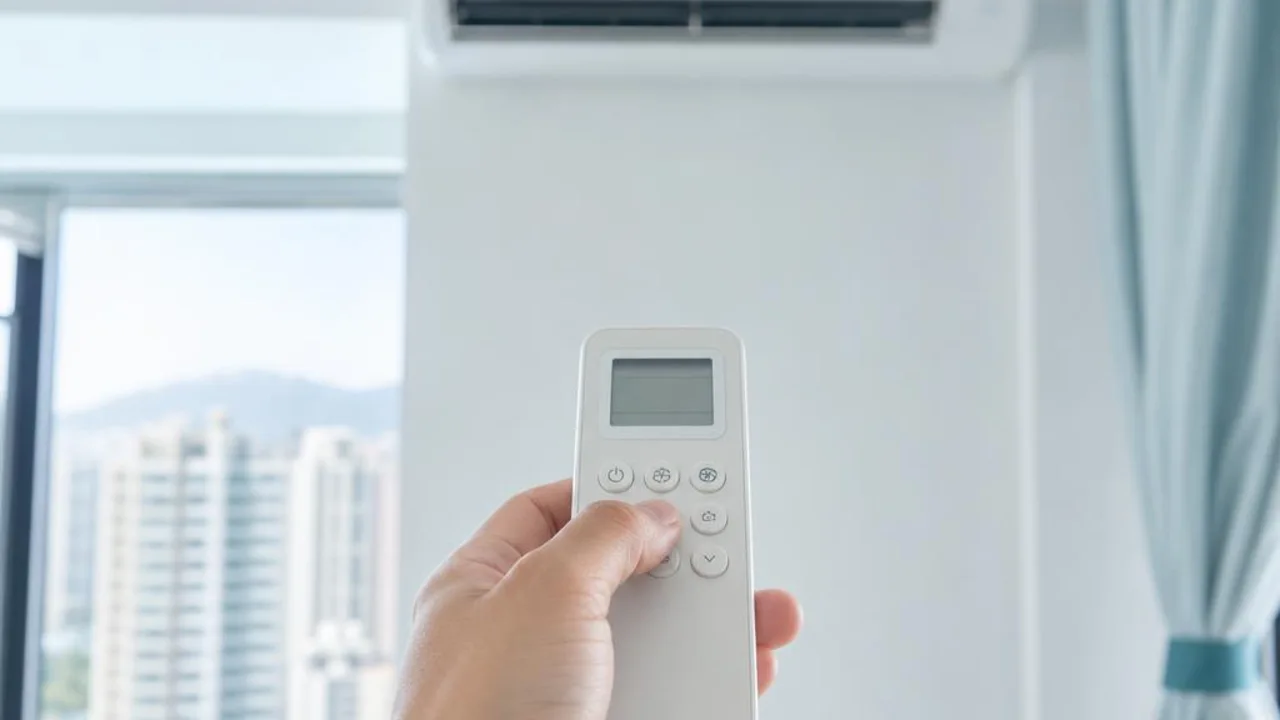
Remote control not responding: battery checks and camera test limitations
Contents
1. Check whether the battery power is low. Please replace the battery and test again 2. Remove the battery and reinstall it according to the positive and negative poles 3. Check whether the remote control battery contacts are rusty, oxidised, or have green corrosion causing poor contact and no power 4. Check whether the remote control is transmitting a signal - use a digital camera or mobile phone to confirm
Some infrared remote controls can be checked by viewing the transmitter through a mobile phone camera, but some cameras filter out infrared light, and this method does not apply to RF, Bluetooth or Wi-Fi controls. Seeing a flash does not prove the command was correct or that the air conditioner receiver is working properly; not seeing one does not directly prove the remote is faulty.
First check the battery specification, polarity and whether the contacts show obvious corrosion according to the manual. If the display still misses characters or has no response after replacing the battery, record the model and ask the supplier; do not dismantle the circuit yourself, and do not buy a new receiver board just because of one camera test.
Find professional help
Enquire about TimesFirst distinguish whether the issue is with the remote display, transmission, settings, or the unit receiver. AC cleaning is not the same as repairing the remote control, and a universal remote must also be checked first for model compatibility and setup method.
Related reading and services
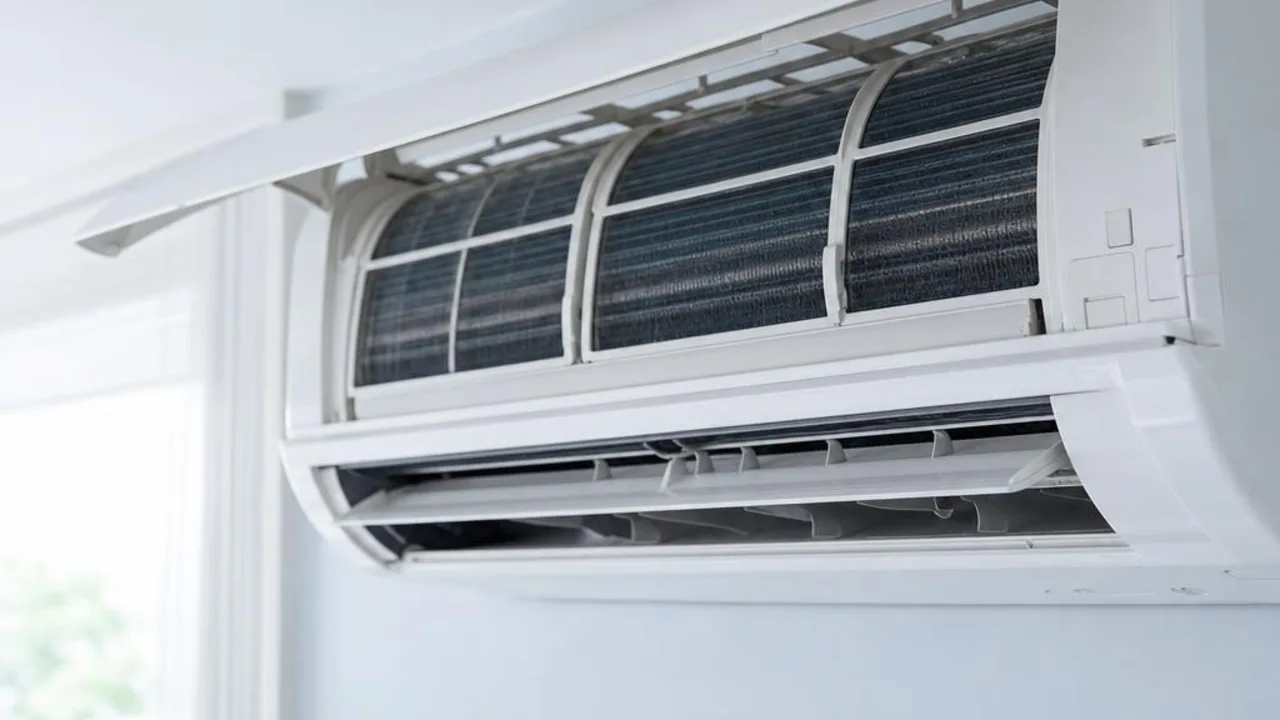
Want to arrange AC cleaning or maintenance?
OPOExpert Air Conditioning provides residential and commercial AC cleaning and maintenance with clear pricing. Enquiry first or book online directly