
Air Conditioner Cleaning Methods and Tips | Maintain AC Performance
Contents
Air conditioners provide a cool and comfortable indoor environment in summer. Over time, dust and dirt build up inside the unit and affect performance. Regular air conditioner cleaning is key to maintaining operating efficiency. OPOExpert Air Conditioning will explain the cleaning steps and techniques in detail, including how to remove the dust filter, clean the condenser and evaporator, and the precautions to take when using cleaning tools.
Preparation
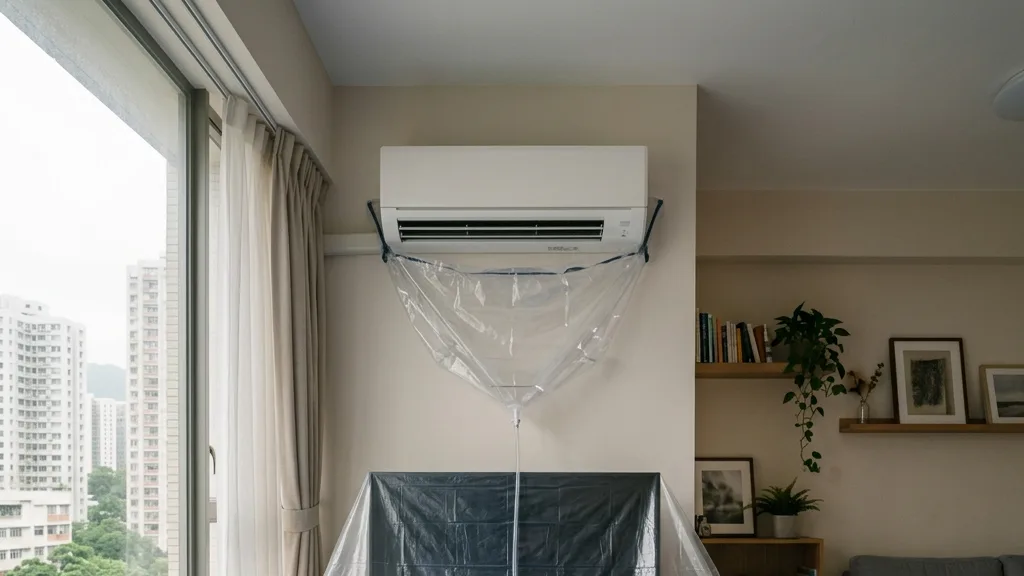
Before cleaning the air conditioner, please make sure the power has been switched off for safety. Also prepare the relevant cleaning tools and materials, such as a screwdriver, soft brush, vacuum cleaner, mop, cloth, and air conditioner cleaner.
2. Remove the dust filter
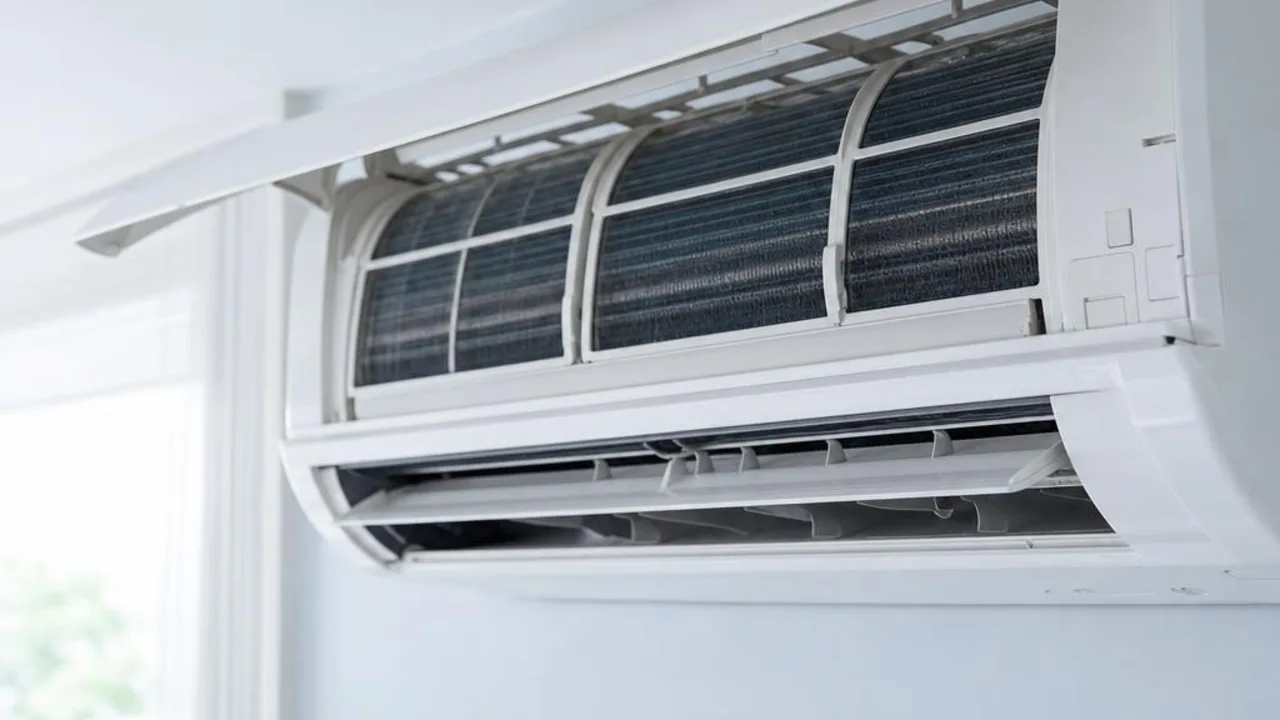
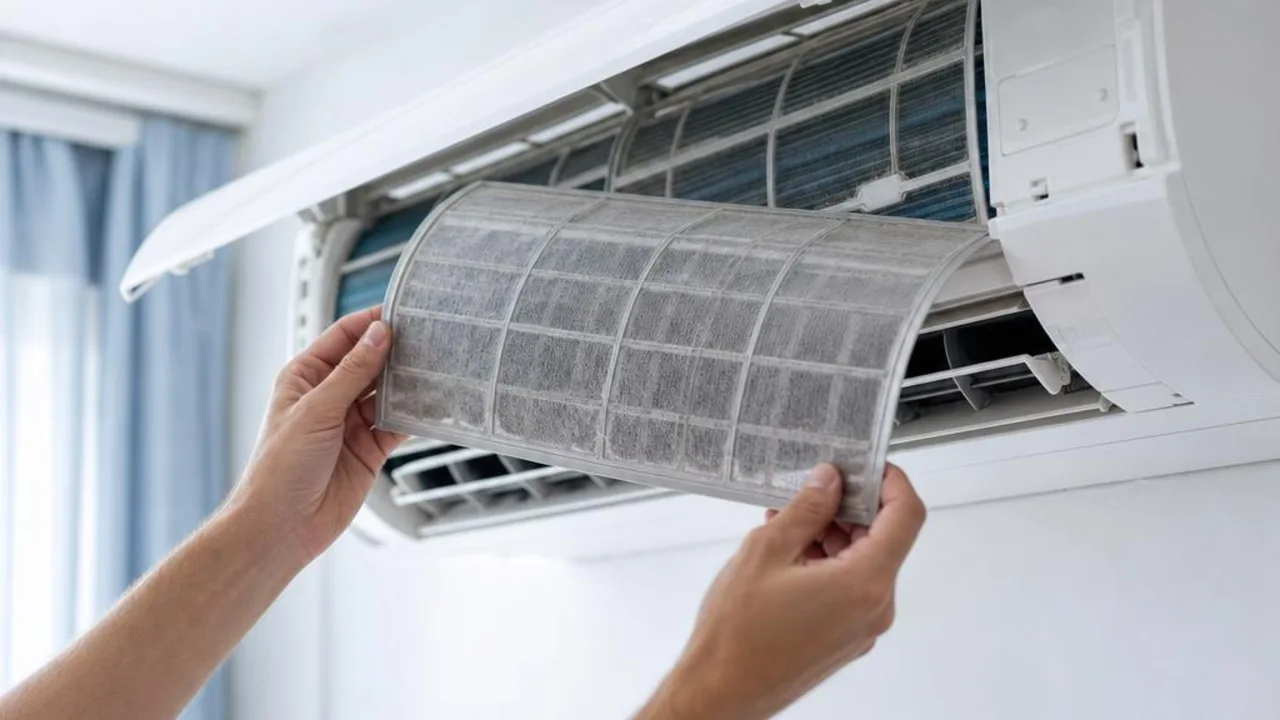
First, open the AC panel and remove the dust filter. The dust filter is the part of the air conditioner that most easily accumulates dust and dirt, so it needs regular cleaning. Put the filter into warm water, add an appropriate amount of neutral detergent or a dedicated AC cleaner, and gently scrub it with a soft brush to remove the dust and dirt attached to it. Then rinse the filter thoroughly in water, let it dry, and reinstall it into the air conditioner.
3. Clean the condenser and evaporator
The condenser and evaporator are core parts of the AC and can easily collect dust. Use a vacuum cleaner to remove surface dust, then gently brush and wipe with a soft brush and cloth to remove stubborn dirt. When cleaning, be careful not to damage the fins, as this may affect the AC's performance.
4. Clean the fan and blower wheel
The fan and blower wheel accumulate dust as the AC runs. First vacuum the surface dust, then clean with a soft brush and cloth. When cleaning the blower wheel, rotate it gently so every corner can be cleaned.
5. Clean the casing and panel
Use a cloth and a suitable amount of neutral cleaner or AC-specific cleaner to wipe the AC casing and panel, keeping the unit neat and clean. Avoid overly harsh chemicals, as they may damage the AC coating and plastic parts.
6. Reinstall and check
After all parts have been cleaned and dried, reinstall them into the air conditioner in the reverse order of removal. Then reconnect the power, turn on the air conditioner, and check whether it is operating normally. If, after reinstallation, the air conditioner shows reduced performance or abnormal noises, professional help from an air conditioning technician may be needed.
7. Regular maintenance
To keep the air conditioner operating efficiently, it is recommended to have it cleaned and serviced from time to time. In addition, professional maintenance once a year is advised to check worn parts and help maintain the unit in good working condition.
Find professional help
Maintaining the air conditioner’s performance requires regular cleaning and upkeep. Seek help from a professional team with hands-on experience and professional tools to ensure a thorough cleaning process that removes accumulated dirt, improves performance and lets you enjoy a more comfortable living environment.
Regular AC cleaning helps keep the AC running efficiently, can help save electricity costs, and creates a more comfortable indoor environment for everyone. Through the AC cleaning steps and tips shared by OPOExpert Air Conditioning, you can easily include AC cleaning and maintenance in your annual appliance care plan.
Related reading and services
Need professional help?
Need to know about Residential air conditioning service? First check the service scope and arrangements, then provide the model and site details for enquiry