
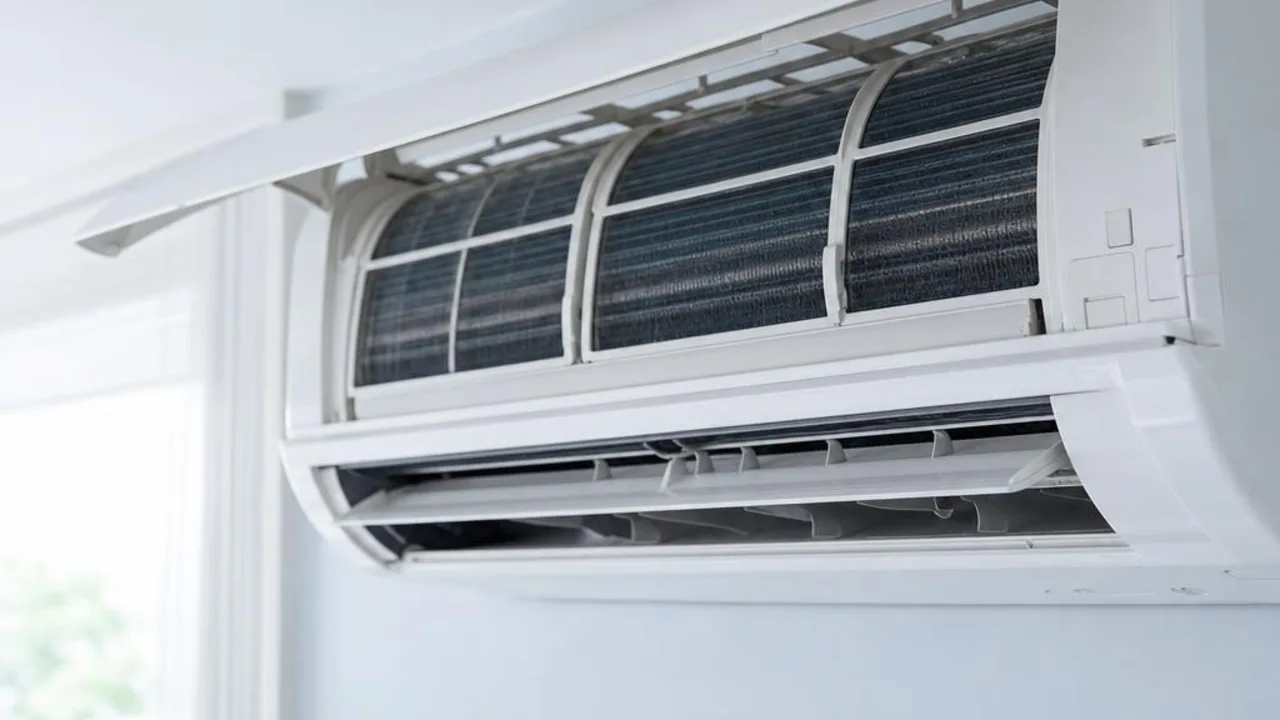
Autumn AC app cleaning reminder: what to do if there is still an odour after cleaning the filter
Contents
A cleaning notification from the AC app does not mean sensors have confirmed internal dirt build-up. First check the meaning of the alert according to the specific model and inspect the filter that can be safely removed. If there is still an odour, water dripping or poor cooling after cleaning, record the issue and arrange an inspection instead of only resetting the alert.
Step 1: Check whether the alert is a timer reminder or an error code
App functions differ by model. Some notifications are based on cumulative usage hours, while others involve different monitoring functions. First check the user manual. Do not say every unit only has a timer, and do not treat a cleaning reminder as proof that there is no fault.
Step 2: If there is still a smell after cleaning the filter, note when it happens
Record whether the odour appears when the unit is first turned on, during continuous operation, or when it is switched off, and whether there is dripping, weak airflow or poor cooling. An odour is not necessarily mould, and you cannot determine the cause just by cleaning the filter; do not spray chemicals yourself into the fan wheel, control board or drain pan.
Step 3: Arrange according to actual needs, not just the autumn calendar
If you are preparing to reduce usage, you can inspect the unit while it is still possible to test it, and take photos of the model and notification screen; whether cleaning is needed, the availability date, and labour time should be confirmed according to the actual situation. Autumn is not a guarantee that every home must have a deep clean or that booking will definitely be faster.
What can be handled yourself?
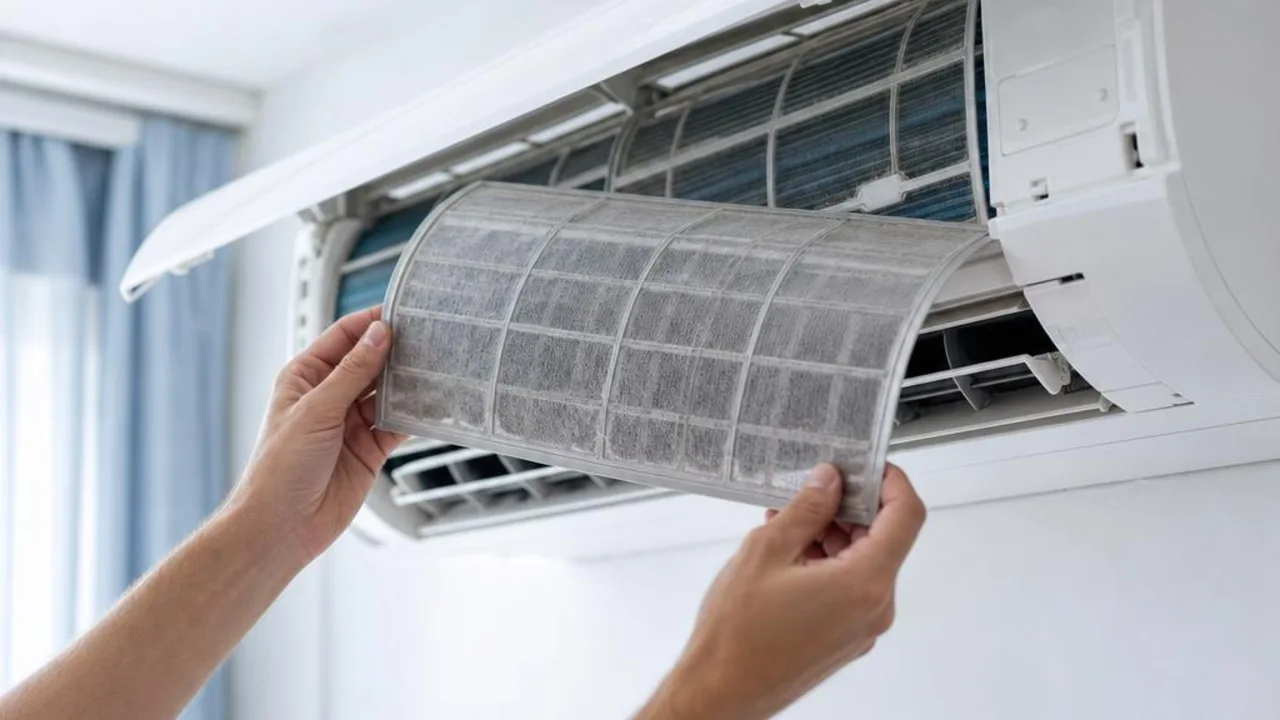
Only handle the removable dust filter and the outer casing surface according to the manufacturer’s instructions. Stop using it and let it dry completely before reinstalling it; internal cleaning, wiring, outdoor unit work, and refrigerant checks should be handled by the appropriate person. Follow the manufacturer’s instructions for how to reset any cleaning reminder; do not dismantle the unit just to clear the alert.
Seek help from a professional team
When contacting customer service, please include the model, the App notification screen, any filter maintenance already done, and the symptoms that remain. This helps distinguish between cleaning and fault inspection. Not every smart AC case needs deep cleaning or sensor repair.
Frequently asked questions
Q1: Are the filter-cleaning alerts in a smart AC app accurate?
A: The way the reminder is judged depends on the model; please refer to the user manual. Do not treat the notification as a complete test of the unit’s internal pollution level.
Q2: Why does the AC still give off a lingering smell after I follow the app instructions to clean the dust filter?
A: Washing the filter only handles the filter itself. Dirt buildup, dampness, or equipment issues elsewhere may still remain; the cause should be judged based on when the smell appears and the inspection results. It cannot be directly diagnosed as mould.
Q3: Is it necessary to arrange a deep clean in autumn?
A: Not necessarily. Assess it based on the unit’s instructions, dirt buildup, usage time, and any abnormal conditions. The season is only a scheduling consideration, not proof that the unit must be cleaned.
Related reading and services
Need professional help?
Need to know about Residential air conditioning service? First check the service scope and arrangements, then provide the model and site details for enquiry