
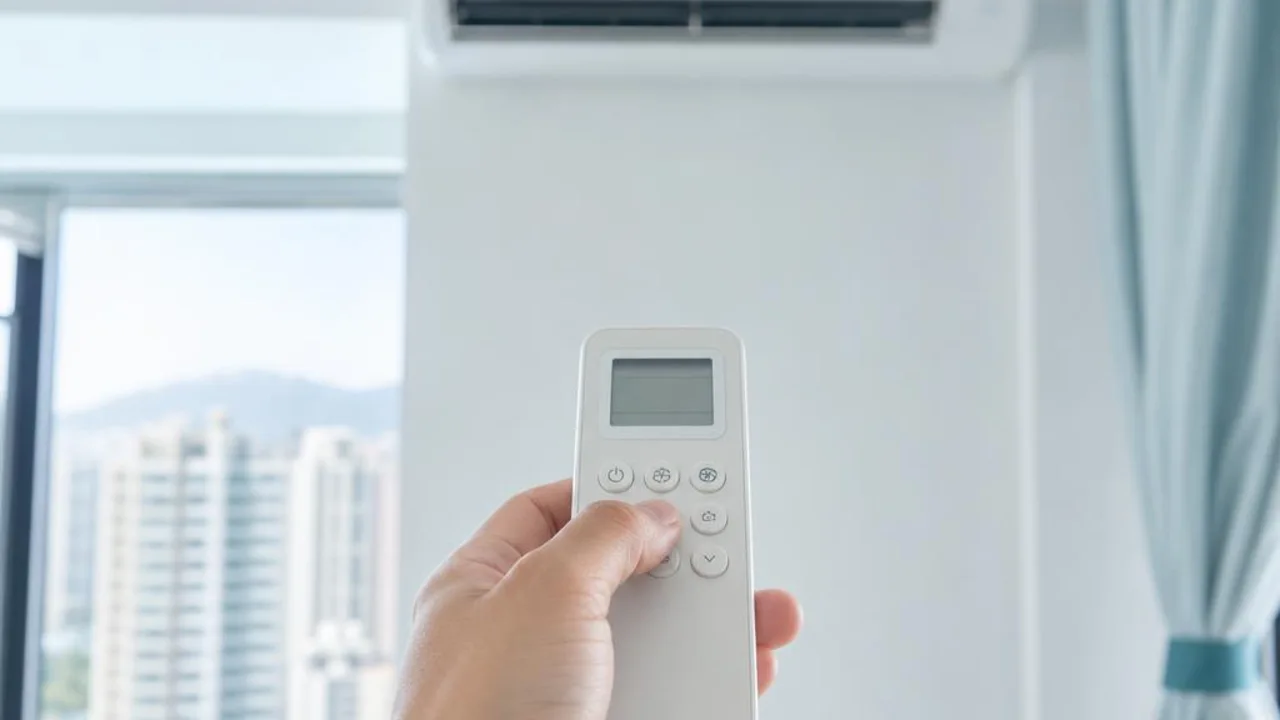
How to use the remote control? Cooling, dehumidifying, fan, and auto modes
Contents
A lit remote display and airflow do not mean the air conditioner is cooling. First distinguish between the operating mode, fan speed and timer settings, then operate according to the manual for your model; different brands' icons and AUTO logic are not exactly the same.
What is the difference between COOL, DRY and FAN?
- COOL: CoolingThe main purpose is to reduce room temperature, often shown with a snowflake icon. The set temperature is the target control value, not necessarily the temperature at the air outlet.
- DRY dehumidify:Using condensation and model control to reduce moisture in the air may also lower the room temperature during operation. Adjustable temperature and fan speed vary by model, and are not the same type of control as a standalone dehumidifier.
- FAN air supply:Pure fan mode mainly moves air and is not the same as cooling; the "FAN" speed button may only change airflow during cooling.
Why are two AUTO settings easily confused?
AUTO under MODE is the automatic operating mode, where the unit selects an operating method based on its built-in logic. AUTO under FAN SPEED is the automatic fan speed, which can be used in other modes. In some original-brand series, auto mode switches between cooling and dehumidifying according to room temperature, but the switching temperature cannot be applied to all brands. Reverse-cycle units may also use different logic.
To confirm the unit is cooling, check the MODE display on the remote and the unit’s response, not just AUTO next to the fan speed. A cooling-only model cannot be assumed to support heating just because the remote shows a heating icon.
What should you note about sleep, high-power mode, and timer mode?
Sleep modes may adjust settings over time, and Turbo mode may temporarily change output or airflow; the effects are not the same for every brand. Timer on and timer off should also be considered separately; some remotes need the clock calibrated first. If there is no response after changing settings, check the battery, receiver position and timer status first, and do not repeatedly switch the unit on and off for testing.
If the settings are correct but it still is not cool enough, what is the next step?
After confirming the mode, check whether the air outlet is blocked, and look at the dust filter and room heat sources. Read moreGuide to poor cooling; if there is no response or the breaker trips, readGuide to units that won't start and breaker trips. If there is a burning smell, icing, or unusual rubbing noise, stop using it first. Do not mistake a fault for a settings issue and keep trying to restart it.
What information do I need when checking the manual?
Record the full model of the indoor unit and the remote control model, and take a photo of the current display and buttons. The original manufacturer function page cited in this article is for explaining concepts and does not mean your model has all the functions; button sequence, adjustable range and fault indicators are still subject to the corresponding manual.
Common questions
Does FAN mode cool the room down?
Pure fan mode mainly runs the indoor fan and is not the same as cooling. If the goal is to lower room temperature, first confirm that the model supports cooling mode; do not assume it is cooling just because air is coming out.
Is dehumidifying mode always more energy-efficient than cooling mode?
There is no universal guarantee. Control method, indoor temperature and humidity, settings and operating time all affect electricity use; dehumidifying is also not a substitute for cooling in all situations.
Reference sources and applicable scope
This article provides a preliminary guide only and does not replace an on-site diagnosis. Original manufacturer functions and operation apply only to the corresponding model; please refer to your own unit's manual. For fixed electrical installations, inspection should be arranged by a registered electrical contractor.
Need professional help?
Need to know about Residential air conditioning service? First check the service scope and arrangements, then provide the model and site details for enquiry